Creating a comfortable and productive home office setup is essential for anyone working remotely or spending extended time at home. A well-designed workspace can improve focus, reduce discomfort, and enhance overall work satisfaction. Whether you’re just starting to set up your home office or looking to revamp your current space, these tips will help you create an environment where you can work efficiently and comfortably.
Choose the Right Location
Prioritize Natural Light
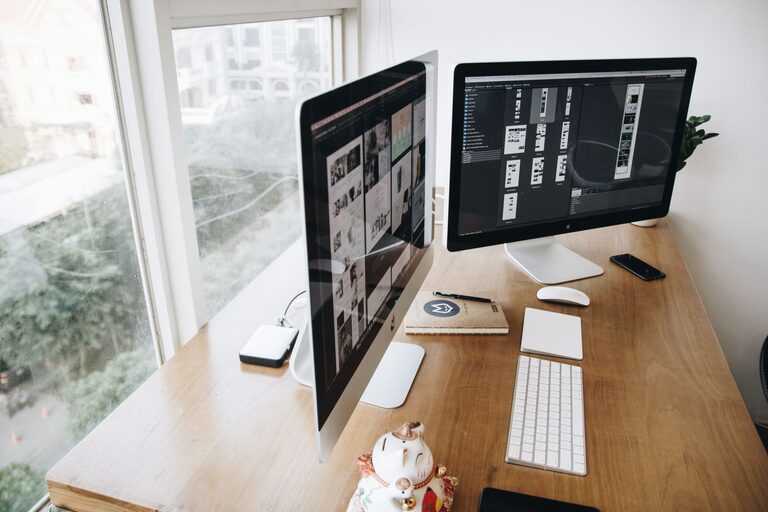
Select a spot with plenty of natural light. Natural sunlight helps regulate your circadian rhythm, improves mood, and reduces eye strain. If possible, position your desk near a window. However, avoid placing your monitor directly in front of or behind the window to prevent glare.
Minimize Distractions
Find a quiet area with minimal foot traffic and interruptions. Using a closed door or a dedicated room can help minimize noise and distractions, fostering better concentration.
Invest in Ergonomic Furniture
Choose a Supportive Chair
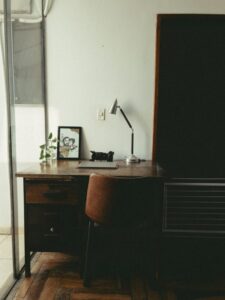
Your office chair plays a significant role in your comfort during long working hours. Look for an adjustable chair that supports your lower back, encourages good posture, and has comfortable padding. Features like adjustable armrests and seat height can customize the fit to your body.
Get a Suitable Desk
A desk at the right height helps prevent strain on your wrists and shoulders. Consider a desk that allows ample space for your computer, documents, and other essentials. Standing desks or adjustable sit-stand desks are popular for alternating between sitting and standing throughout the day.
Organize Your Workspace Efficiently
Declutter Regularly
An organized desk reduces stress and distractions. Keep only essential items on your desk and store the rest away neatly. Use cable organizers to manage cords and maintain a clean surface.
Use Storage Solutions
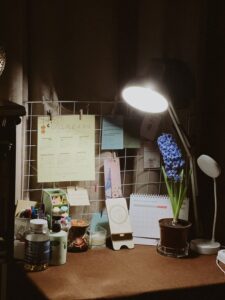
Shelves, filing cabinets, and desk organizers can keep papers and office supplies in order. Labeling storage areas helps you find items faster and keeps your workspace tidy.
Optimize Lighting
Combine Natural and Artificial Lighting
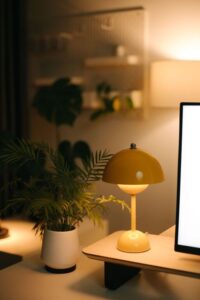
Good lighting prevents eye strain and maintains alertness. Along with natural light, use task lighting like a desk lamp to illuminate your work area evenly. Avoid harsh overhead lights or dim settings that could cause fatigue.
Adjust Screen Brightness
Set your monitor brightness to match your room’s ambient light. This adjustment improves comfort during long hours in front of the screen.
Personalize Your Space
Add Comfort and Style
Personal touches such as plants, artwork, or family photos can make your workspace more inviting. Plants, especially, can improve air quality and bring a calming effect.
Maintain a Comfortable Temperature
Keep your office at a comfortable temperature to avoid distractions due to being too hot or cold. Fans, heaters, or air conditioning units can help maintain an ideal environment.
Incorporate Technology Wisely
Invest in Quality Equipment
Reliable technology like a fast internet connection, good-quality headphones, and an efficient keyboard and mouse contribute to a smooth workflow.
Use Multiple Monitors
If your work requires multitasking or frequent reference to different documents, consider adding a second monitor to increase screen space and productivity.
Develop Healthy Work Habits
Take Regular Breaks
Taking short breaks every hour helps reduce eye strain and physical discomfort. Stand, stretch, or take a quick walk to refresh your mind and body.
Set Boundaries
Define your work hours and stick to a schedule to separate work from personal life, which can enhance both productivity and well-being.
Final Thoughts
Creating a comfortable and productive home office setup is all about balance. Focus on ergonomics, organization, and personal comfort to build a space that inspires focus and creativity. With these tips, you can establish a home office that supports your work and lifestyle effectively.